
Free
Studio
Make the looks. Keep the looks. Play them back until they feel like you. No ceiling on how much you build.
Lighting control for all
LightSync is beat-synced lighting built around the way you perform — using hardware and decks you already own.
01 — Philosophy
Performance lighting was built on consoles, channel maps, cue stacks — tools built for an older time.
LightSync starts from the other end: the music. You draw looks the way you'd write a melody, give them a feeling, and play them when the room asks for it. The depth is there when you want and stays out of the way when you don't.
02 — Sync
LightSync keeps its own lighting timeline — bars, beats, the next pattern — locked to whatever is feeding it time. Patterns ride the grid the way notes ride a sequencer.
A controlled illustration of patterns on the grid — not product footage.
03 — Studio
See what LightSync can do ⬇️
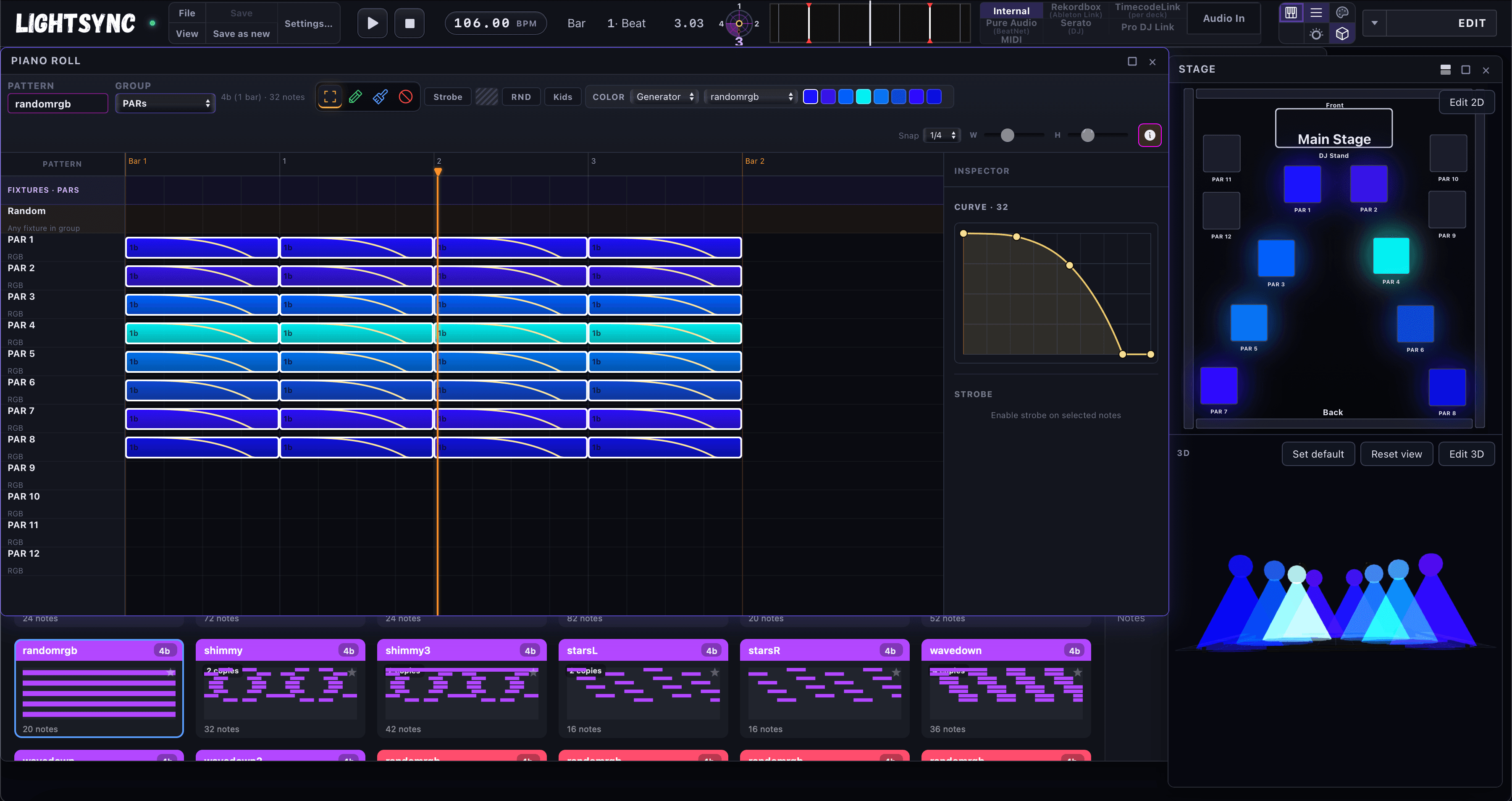
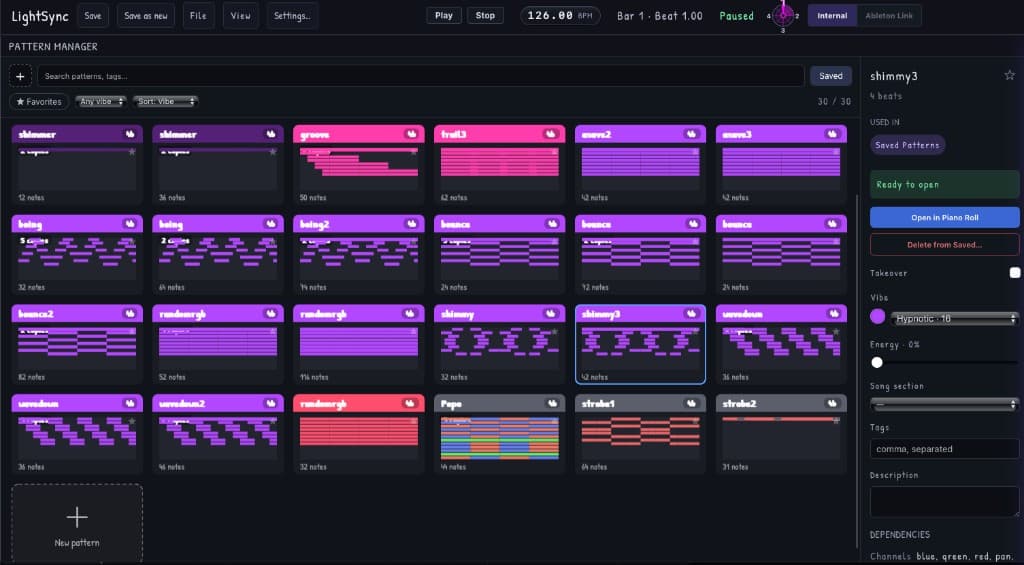
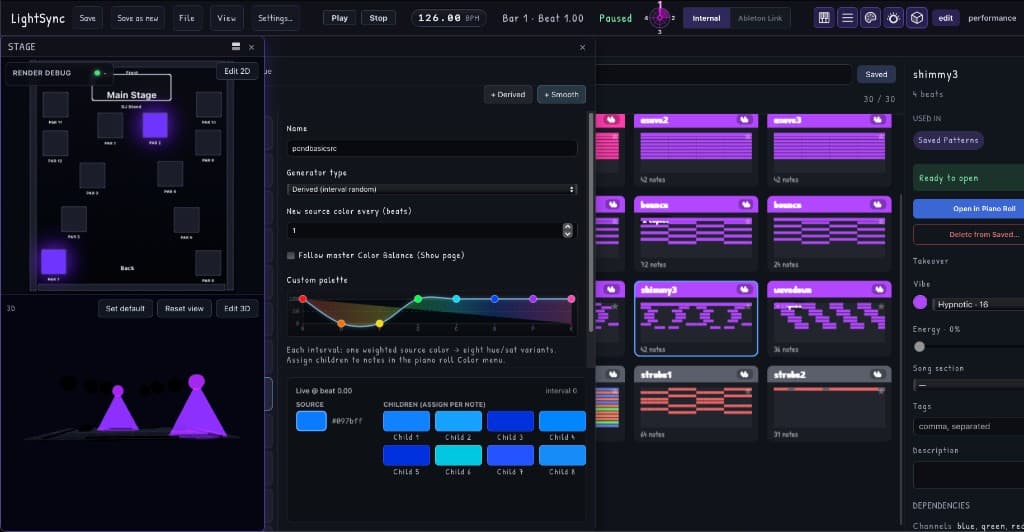
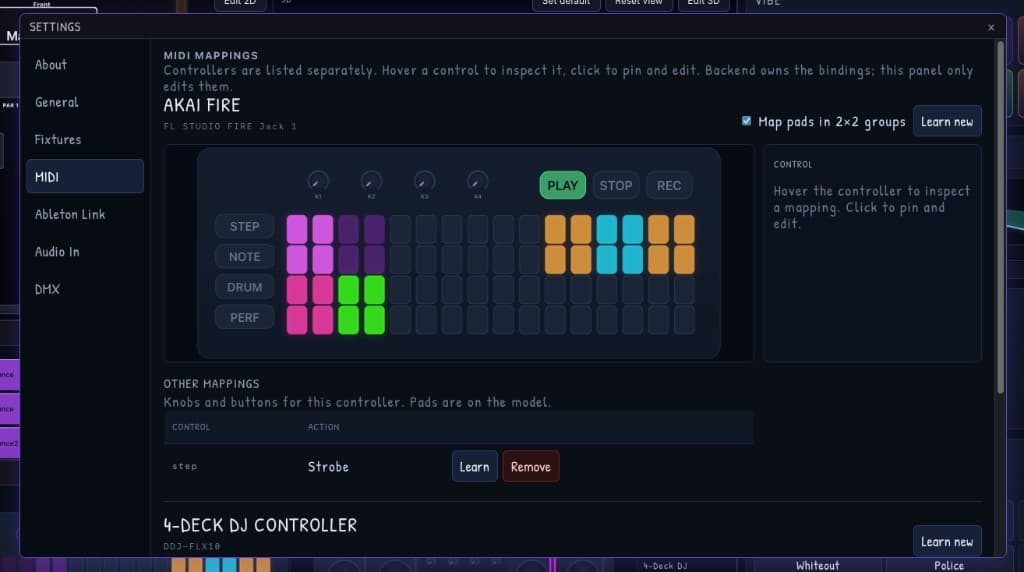
Each fixture is a lane. Each block is a note. Inside the note is an intensity curve. If you have ever drawn a melody, this is the same muscle.
See the full walkthrough04 — The Setup
CDJs using Pro DJ Link. Rekordbox over Ableton Link. Serato. Live audio input. Midi from controllers you already own. Or no source at all — LightSync can hold the clock itself. Sources come and go; the show still knows where it is.

Rekordbox
via Ableton Link

Serato
same idea, different deck software

MIDI
pads, knobs, the board in front of you
Audio input
the mix, when that's the clock
CDJs
club decks, house party decks
Internal
LightSync holds time on its own

The engine
LightSync owns the timeline.
A lighting timeline
Patterns, bars, the next look — independent of whatever is driving it.
The room
Preview it. Play it. When you are ready, send it out as light.
05 — Studio to stage
Build looks on the laptop with a stage that lives entirely in the preview. No lights required to start.
A couple of PARs, the controller you already own, and a room that suddenly moves with the drop.
Shared rigs, rotating DJs, zero time for a lighting tech. Save the looks once, perform them all semester.
A compact rig that reacts to whoever is playing — without a console taking up half the booth.
Pack the same fixtures, load the same library, and the show travels with you.
And beyond
Bigger installations grow from the same patterns — the show scales with the rig, not the other way around.
06 — Pricing
The entire studio including patterns, layouts, previews — free forever, with no ceiling on how much you make. Pro is what turns the preview into actual light.
Free
Make the looks. Keep the looks. Play them back until they feel like you. No ceiling on how much you build.
Pro
When the pattern is ready to leave the screen, Pro is how it becomes a room. Future tools land here too.
Create something worth experiencing. Request access and build your set.